> For the complete documentation index, see [llms.txt](https://nexoaddon.gitbook.io/docs/llms.txt). Markdown versions of documentation pages are available by appending `.md` to page URLs; this page is available as [Markdown](https://nexoaddon.gitbook.io/docs/mechanics/shiftblock.md).
# ShiftBlock
Temporarily change the CustomBlock or Furniture to another one!
Change CustomBlock or Furniture to another one for specified time and add new Mechanic to your server!
### Change CustomBlock
# Example

Mechanics:
  shiftblock:
    time: 5                      # Time in seconds
    replace_to: test_block2      # Id of CustomBlock
### Change CustomBlock if clicked with specified items
```yaml
# Example
Mechanics:
custom_block:
type: NOTEBLOCK
shiftblock:
time: 60 # Time in seconds
replace_to: test_block2 # Id of CustomBlock
items: # Allow to use this Mechanic only using those items
- forest_axe # Nexo Item
- PAPER # Vanilla Material
```
### Shift triggers
```yaml
# Example
Mechanics:
custom_block:
type: NOTEBLOCK
shiftblock:
time: 5 # Time in seconds
replace_to: test_block2 # Id of CustomBlock
on_interact: true # true is default
on_break: false # false is default
on_place: false # false is default
```
### Use Case examples
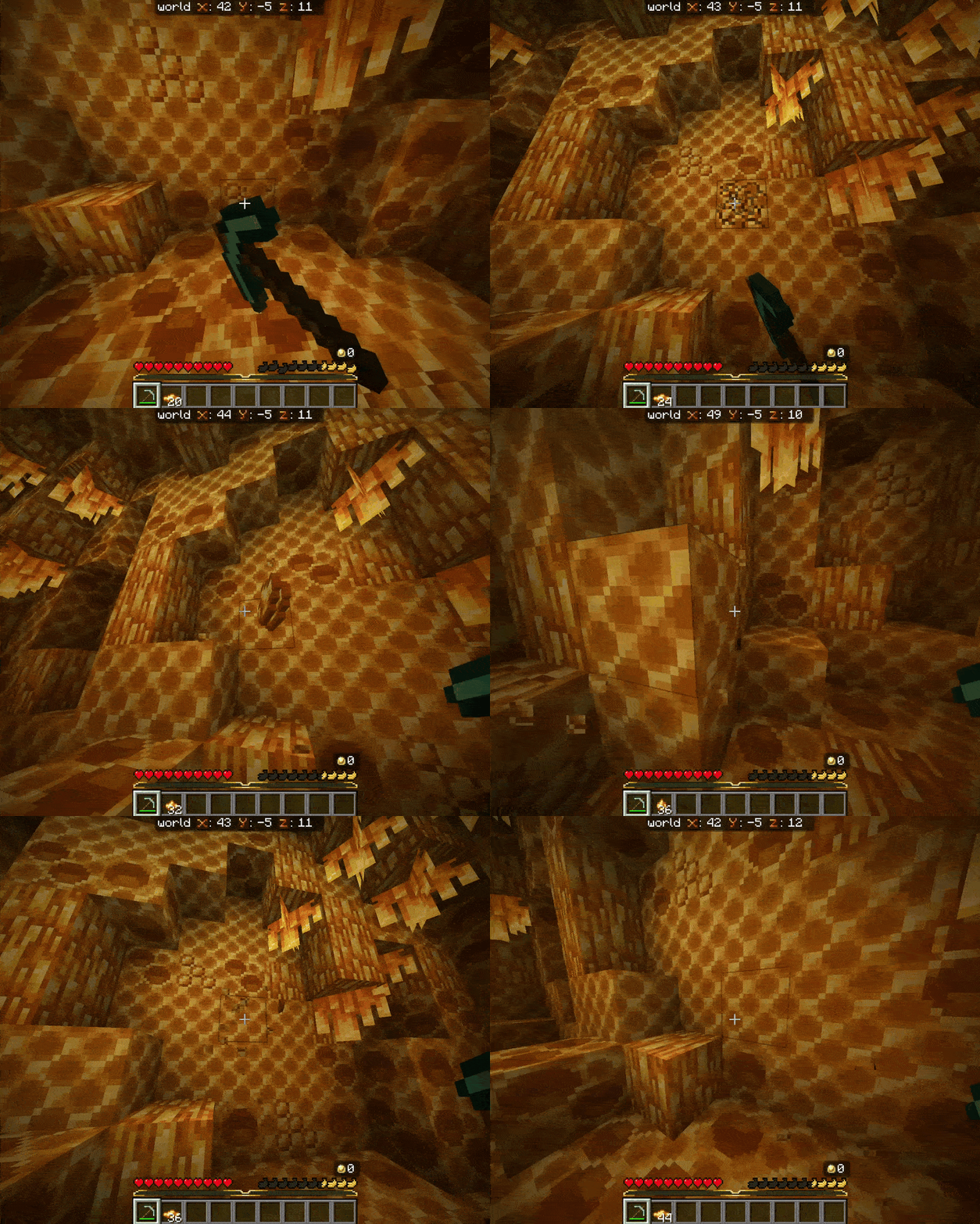
#### Resource generation with `on_break`
```yaml
honeycomb_normal:
Mechanics:
custom_block:
type: NOTEBLOCK
hardness: 999
```
```yaml
honeycomb_ore:
Mechanics:
custom_block:
type: NOTEBLOCK
shiftblock:
time: 5
replace_to: honeycomb_normal
on_interact: false
on_break: true
on_place: false
```
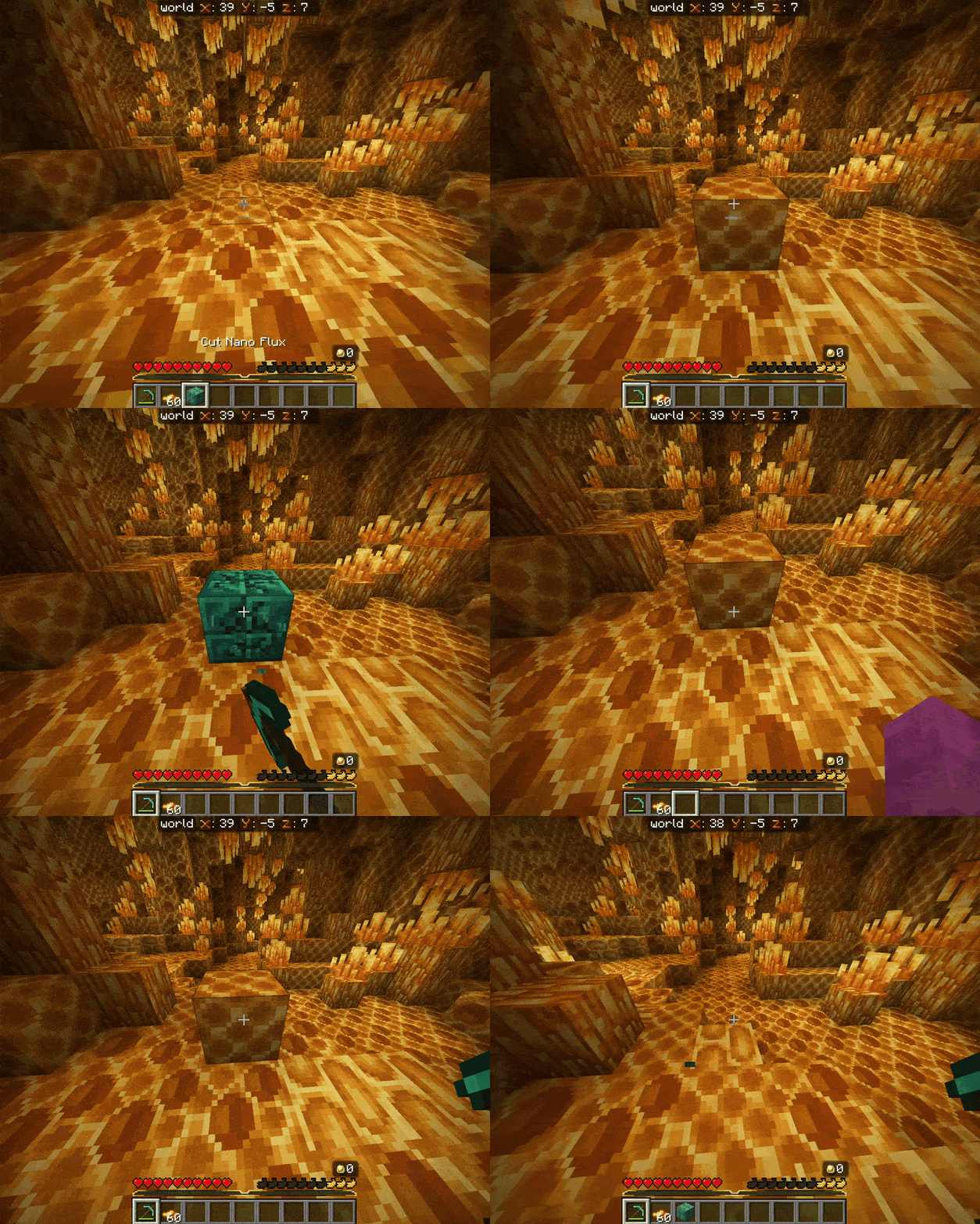
#### Block transform with `on_place`
```yaml
honeycomb_normal:
Mechanics:
custom_block:
type: NOTEBLOCK
hardness: 999
```
```yaml
cut_nano_flux:
Mechanics:
custom_block:
type: NOTEBLOCK
shiftblock:
time: 5
replace_to: honeycomb_normal
on_interact: false
on_break: false
on_place: true
```