# Repair

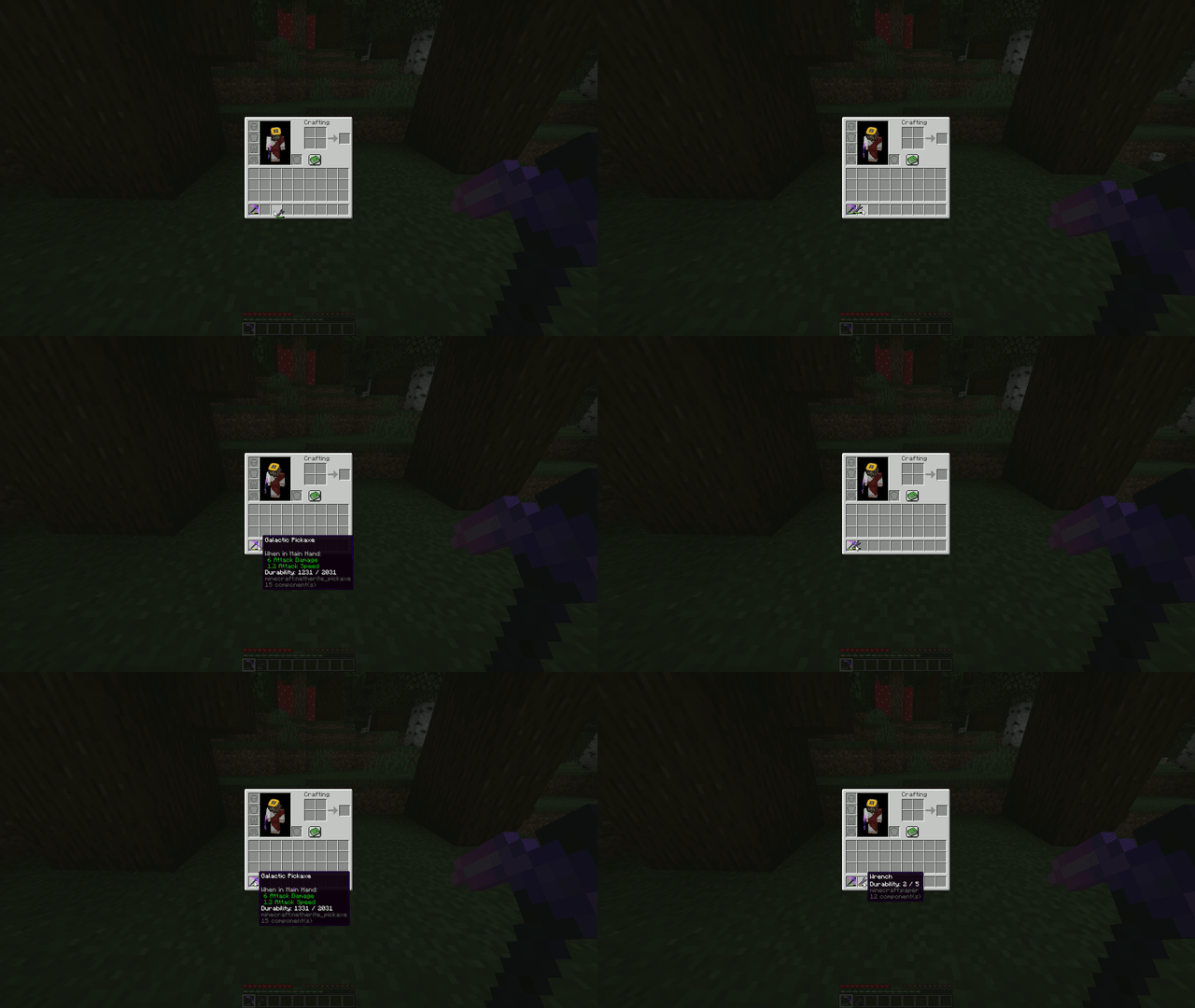
The Repair Mechanic allows players to repair damaged items in their inventory using a specific repair item. The repair process consumes the repair item while restoring a portion of the durability of the damaged item. The amount of durability restored is determined by the repair ratio defined in the mechanic configuration.

<figure><img src="/files/MH94LyHDod7V3v5XAUQ0" alt="" width="640"><figcaption></figcaption></figure>

{% hint style="warning" %}
There is duplication bug using <mark style="color:red;">**Creative**</mark> mode. There is no bug using other gamemodes
{% endhint %}

{% hint style="info" %}
`ratio` <mark style="color:red;">**OR**</mark> `fixed_amount` option is required!
{% endhint %}

### One-time Repair item stackable

```yaml
# Example

repair_tool:
  material: PAPER
  itemname: <blue>Repair tool
  Mechanics:
    repair:
      ratio: 0.5         # Percentage of durability restored, relative to the item's current damage.

```

### One-time Repair item unstackable

```yaml
# Example

repair_tool:
  material: PAPER
  itemname: <blue>Repair tool
  Components:
    max_stack_size: 1
  Mechanics:
    repair:
      fixed_amount: 50         # Amount of durability restored.

```

### Reusable Repair item unstackable

```yaml
# Example

repair_tool:
  material: PAPER
  itemname: <blue>Repair tool
  Components:
    max_stack_size: 1
    durability: 50       # 50 uses
  Mechanics:
    repair:
      ratio: 0.5         # Percentage of durability restored, relative to the item's current damage.

```

### Whitelist and Blacklist

<pre class="language-yaml"><code class="lang-yaml"># Example

repair_tool:
  material: PAPER
  itemname: &#x3C;blue>Repair tool
  Components:
    max_stack_size: 1
    durability: 50       # 50 uses
  Mechanics:
    repair:
      ratio: 0.5         # Percentage of durability restored, relative to the item's current damage.
<strong>      whitelist:
</strong>      - DIAMOND_AXE
      - forest_sword
      blacklist:
      - forest_axe
      - DIAMOND_SWORD
</code></pre>


---

# Agent Instructions: Querying This Documentation

If you need additional information that is not directly available in this page, you can query the documentation dynamically by asking a question.

Perform an HTTP GET request on the current page URL with the `ask` query parameter:

```
GET https://nexoaddon.gitbook.io/docs/mechanics/repair.md?ask=<question>
```

The question should be specific, self-contained, and written in natural language.
The response will contain a direct answer to the question and relevant excerpts and sources from the documentation.

Use this mechanism when the answer is not explicitly present in the current page, you need clarification or additional context, or you want to retrieve related documentation sections.
